
Lumen Design System
A design system created to improve consistency, accessibility, and cross-team clarity across digital products.
Lumen was developed as part of the World Vision Common Core Design Guide to bring greater coherence to digital design. The system combined visual rules, reusable components, and accessibility guidance so teams could design and build on a more shared foundation rather than making repeated one-off decisions.
MY ROLE
Helped define the system foundations and translate brand principles into actionable standards, components, and accessibility rules to support more consistent digital design over time.
CHALLENGE
Digital products needed a shared system to support consistency, accessibility, and a smoother handoff. The challenge was to make it structured but practical to use.
APPROACH
I helped shape the system through core principles, visual standards, accessibility guidance, typography, and reusable UI components.
OUTCOME
The result was a more coherent design framework that improved consistency, reinforced accessibility, and made the system easier to scale.
Logo
Grid
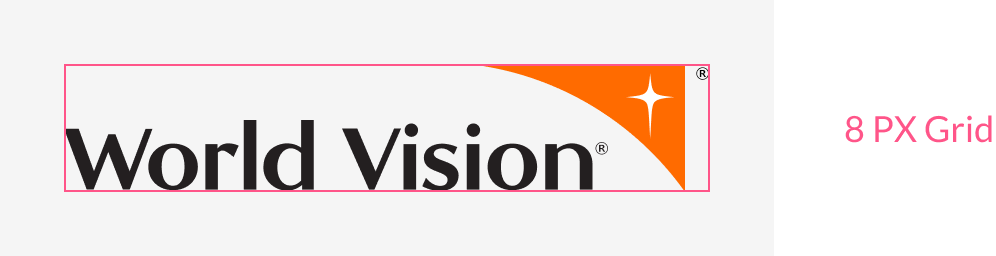
Our logo aligns with the 8 PX square base grid on both large and small displays, but it can also align with a 4 PX grid to accommodate the extra small display.

Clear Space
To give our logo proper room to breathe, a minimum clear space area (equal to 1/2 of the total logo height) must surround it at all times. Note that more room should be allowed wherever possible.


Themes
Themes define a framework of colours that accommodates and organizes all UI components of the design system.
There are two themes in the design system, the dark theme and the light theme. To create a high contrast between UI elements and the background, we always apply dark text or UI elements to light backgrounds, and vice versa. The dark and light themes complement each other to provide flexible and harmonious styles across the digital experience.

Do & Don't
Orange is best suited for light-themed designs. For accessibility, avoid using orange in small or standard-sized text. Limit the use of orange on dark backgrounds, as it can signify caution in certain cultures.

Accessibility
To meet WCAG 2.0 Level AA standards:
Standard text must have a contrast ratio of at least 4.5:1
Graphs & large text must have a contrast ratio of at least 3:1


Typefaces
Both fonts belong to the same sans-serif family, sharing clean, sleek, and modern lines. However, Lato appears more prominent with a wider typeface, while Karla has a slightly condensed, slimmer look, making it ideal for smaller text. Together, they harmonize to create a modern, minimalistic, and approachable style, adding a refined touch to the site's design.

Lato is widely used in titles, paragraphs, lists and tables across the site, especially for long descriptions that require optimal readability and legibility.
Karla is reserved forlinks (except where noted), tags, buttons and other distinctive text elements that require special attention if noted.


CONTEXT / OVERVIEW
Lumen was developed to meet the need for a more coherent digital foundation across teams and products. The work focused on creating shared visual and functional rules to reduce inconsistency, support accessibility, and provide design and development teams with a more durable system to work from.
KEY DECISIONS / STRATEGIC NOTES
Connect brand expression to product behaviour.
Build for repeatability, not one-off exceptions.
Treat accessibility as a core rule, not an add-on.
Built shared rules that connect brand expression to product design.
Designed for consistency, accessibility, and clearer handoff.
Created reusable components that support scale instead of repeated redesign.
Looking for a stronger design system or clearer digital standards? Let’s connect.